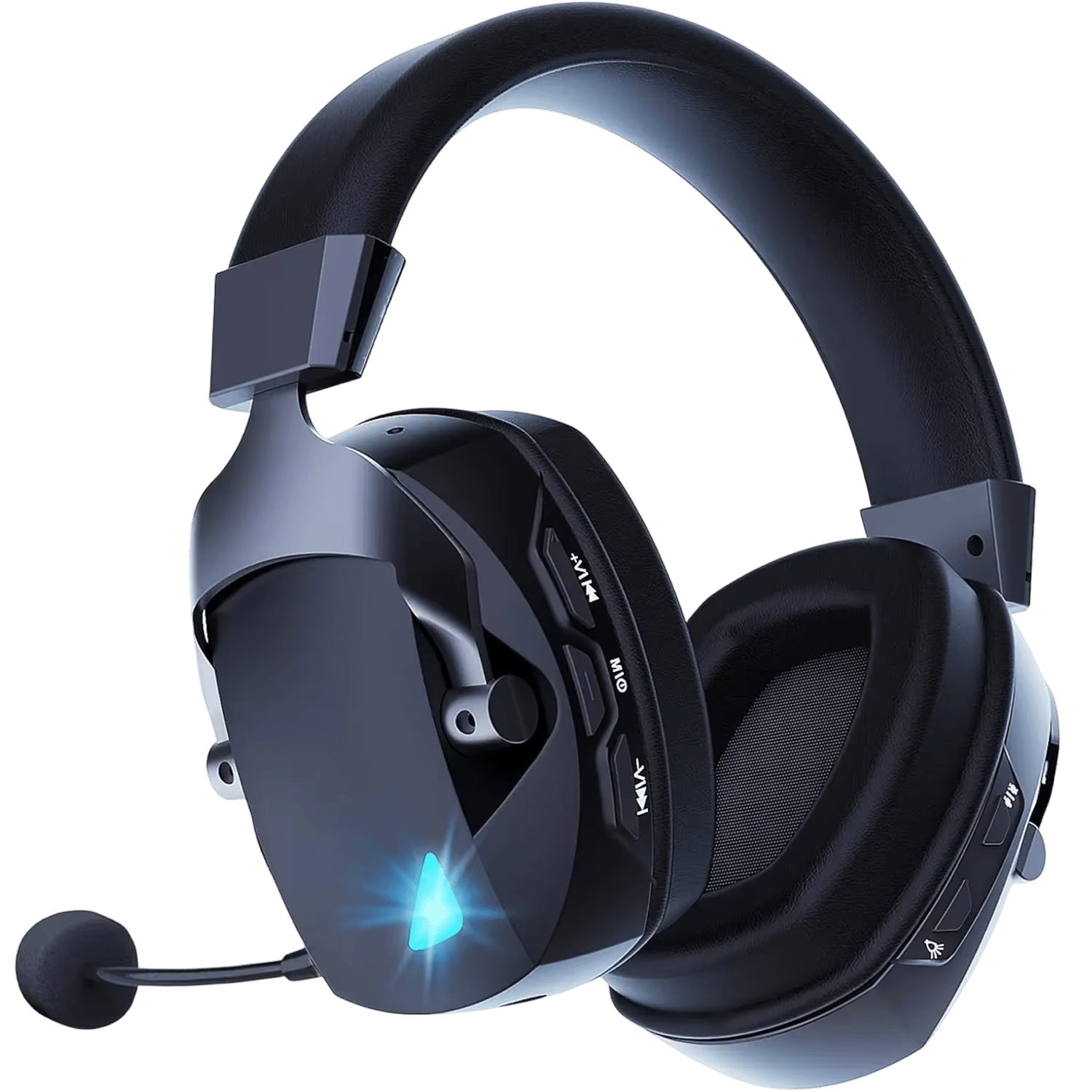
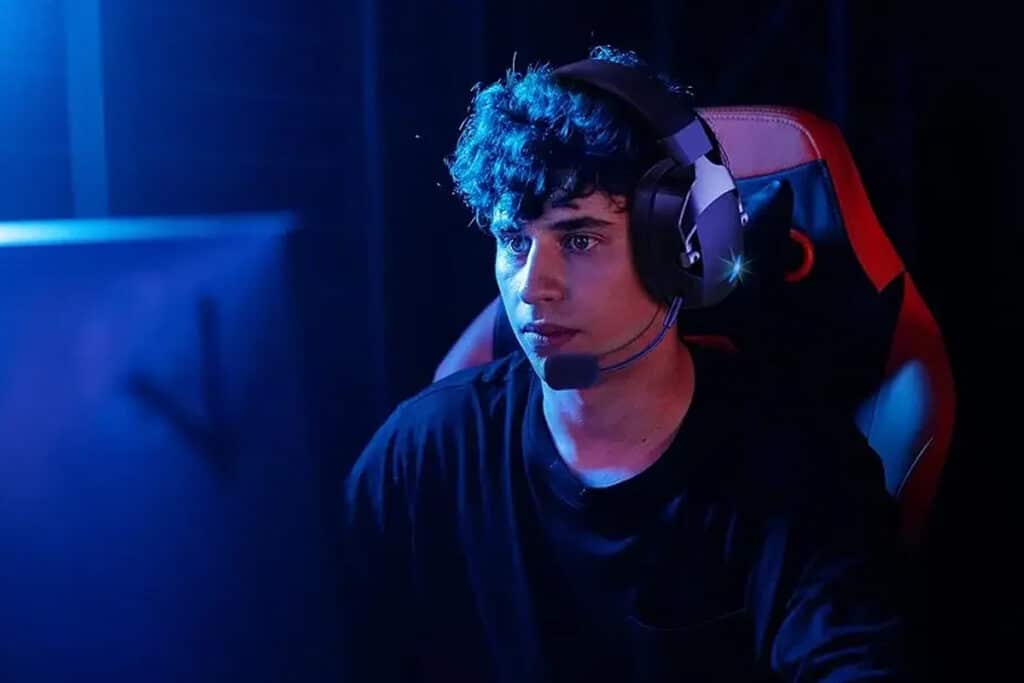
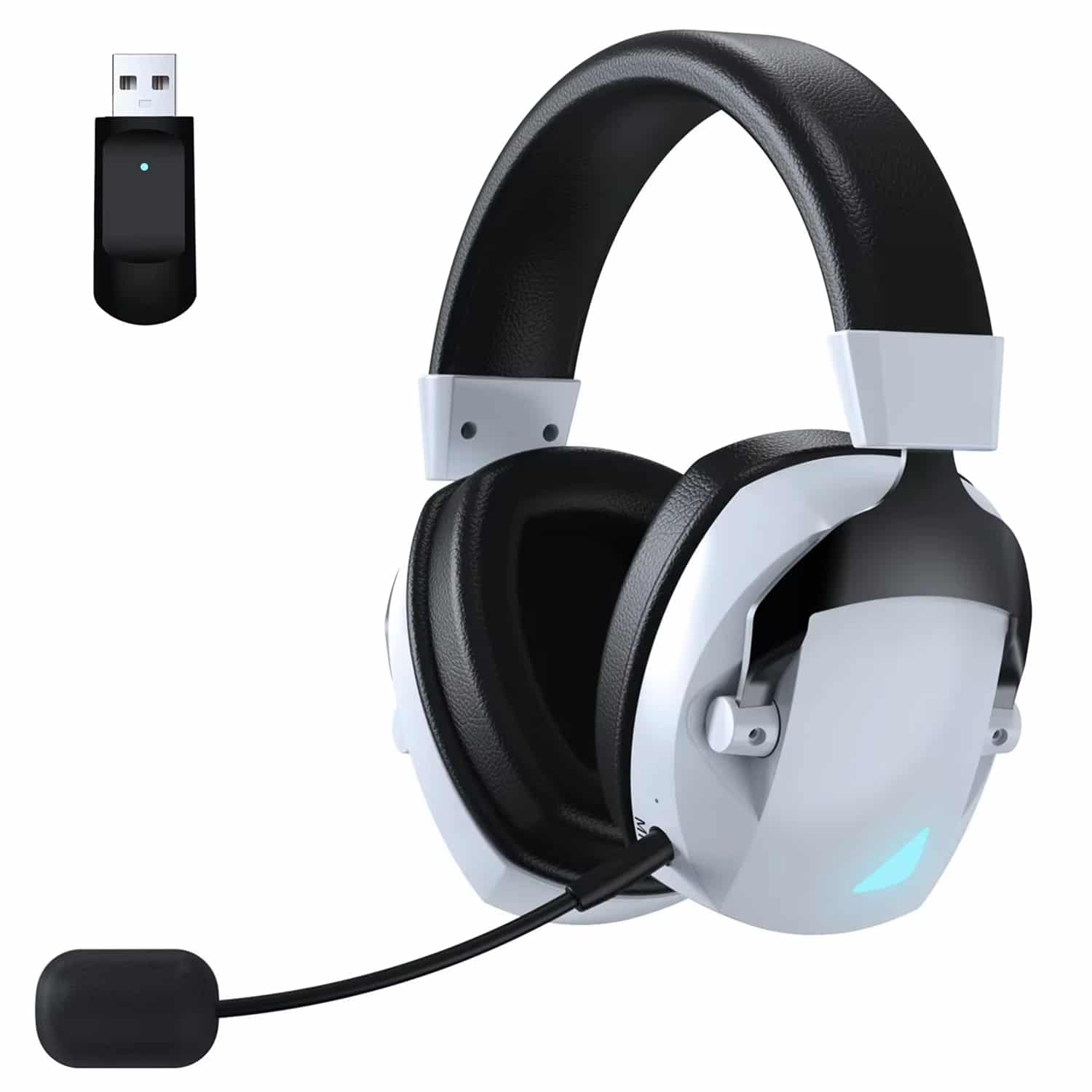
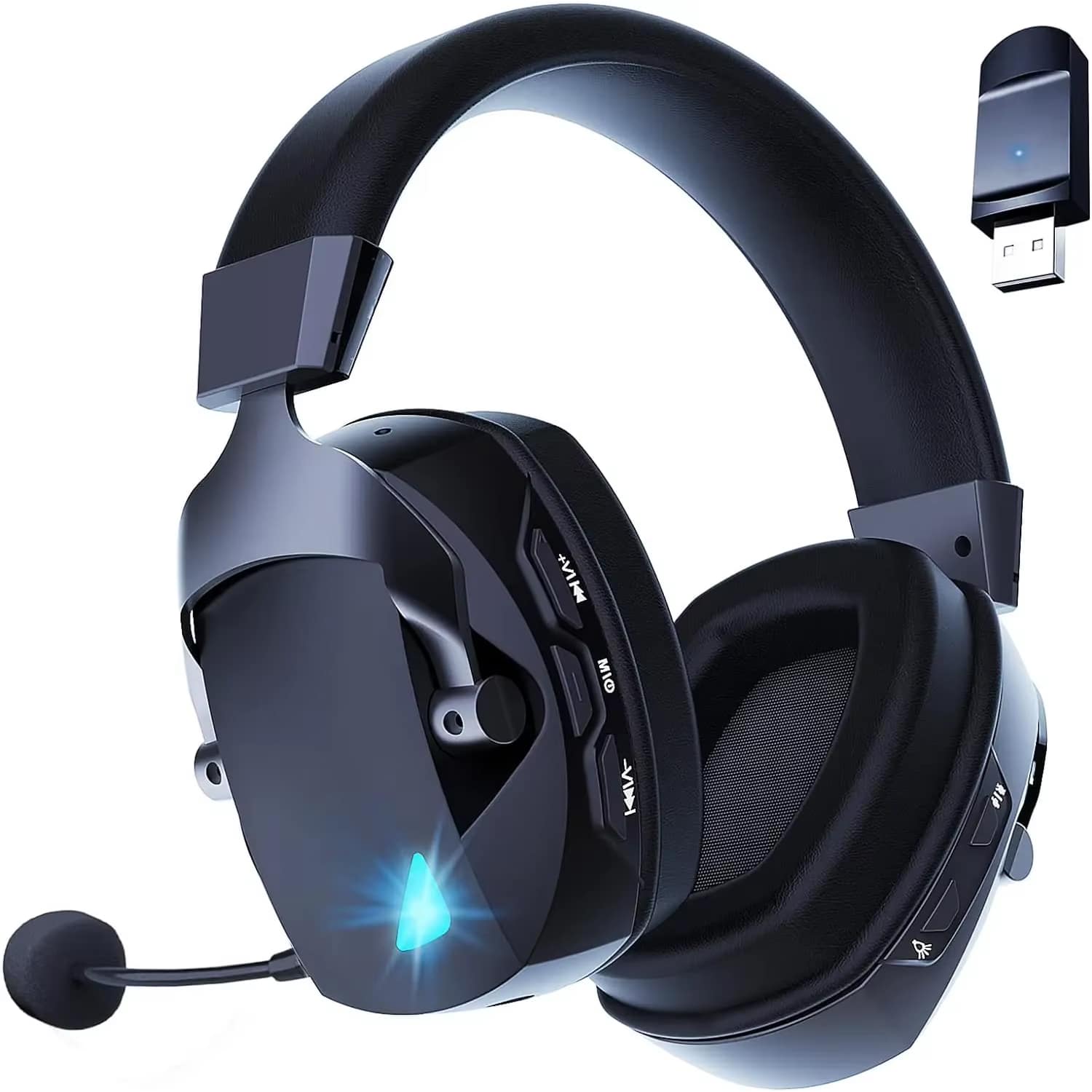
Dominate Every Competitive Battle With Superior Acoustic Precision In EarsRimi Gaming Headphones
Tired Of Frustrating In Game Audio Lag?
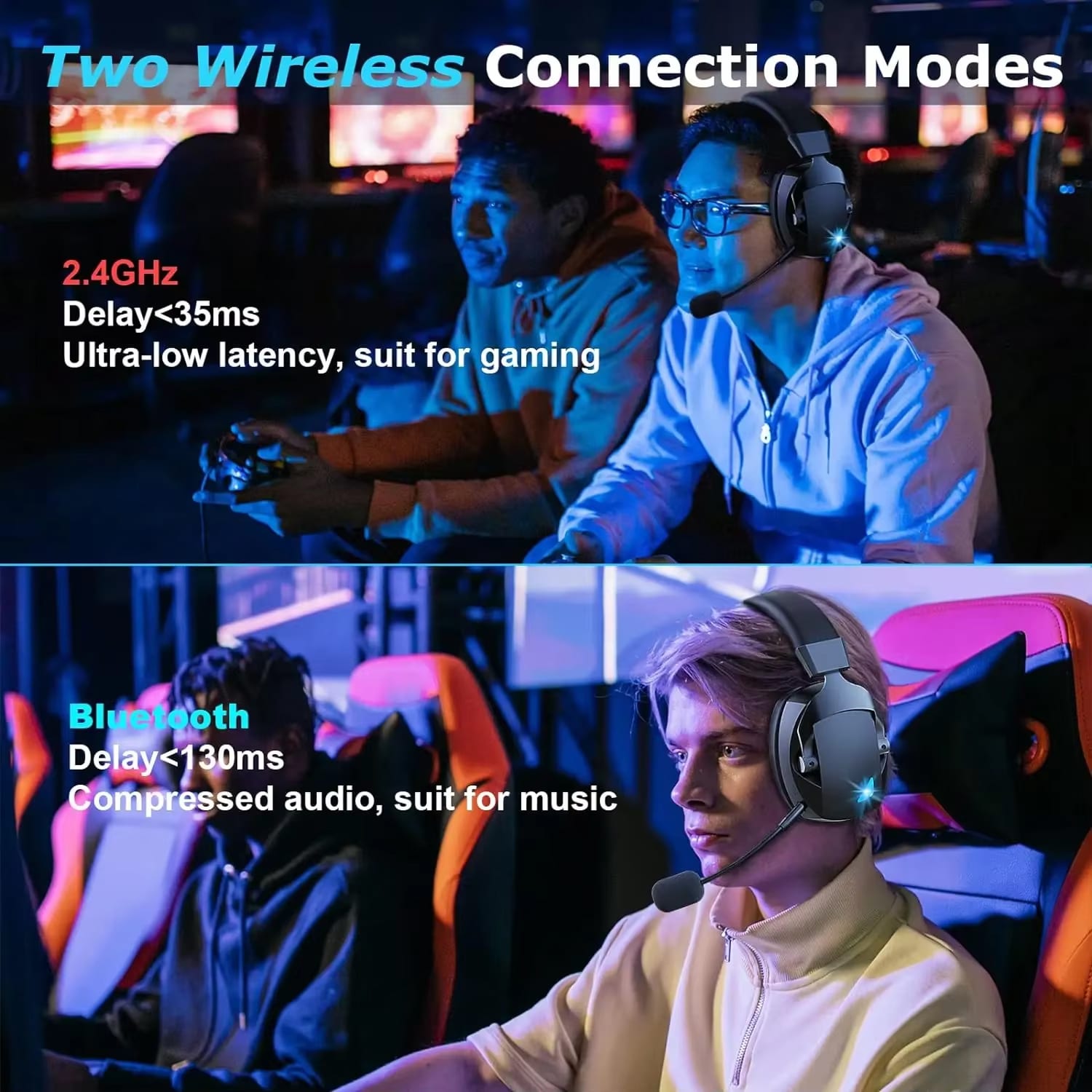
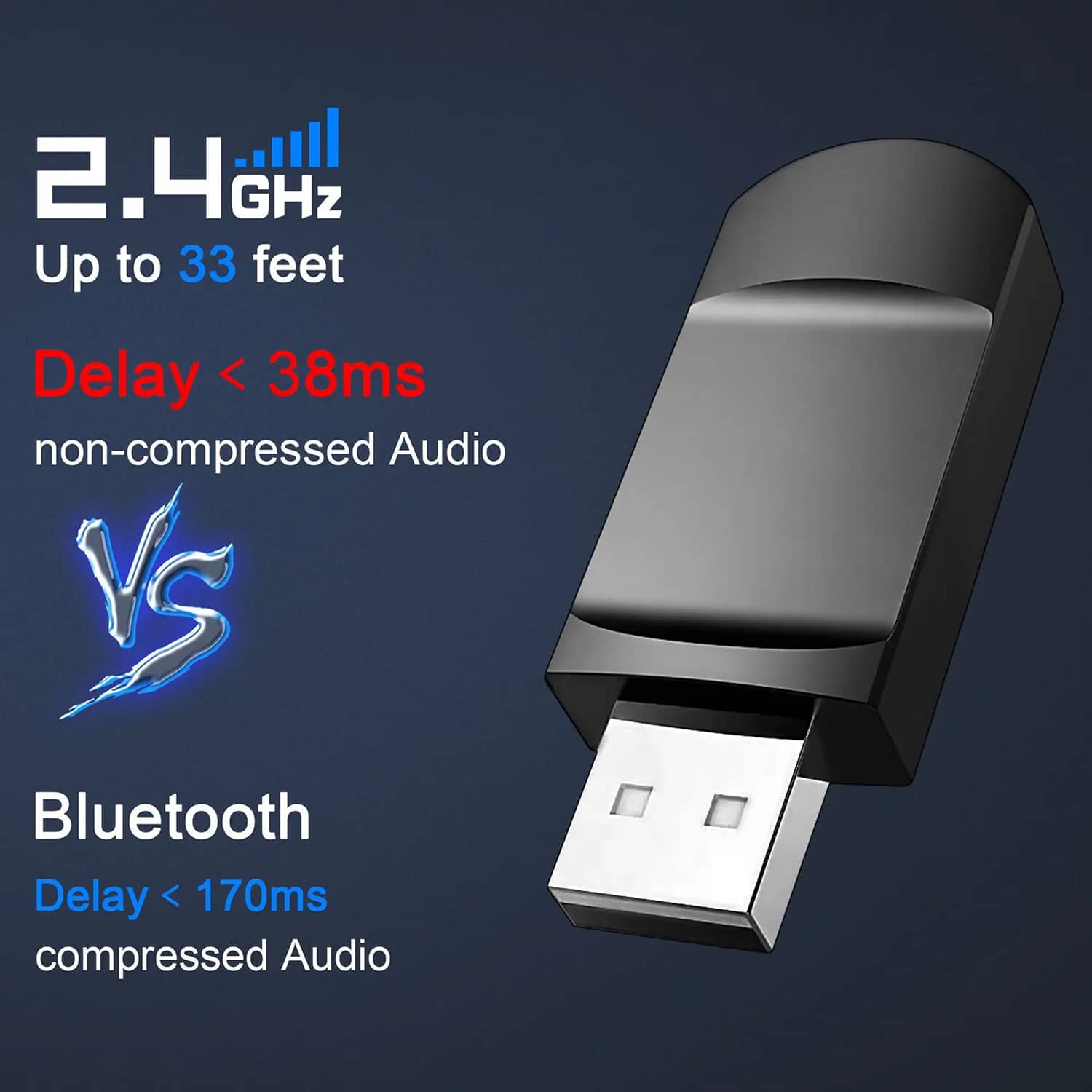
EarsRimi Gaming Headphones utilize advanced 2.4GHz lossless wireless technology, ensuring zero perceptible lag and synchronized sound so you never miss critical audio cues.
Looking For Crystal Clear Team Voice Communication?
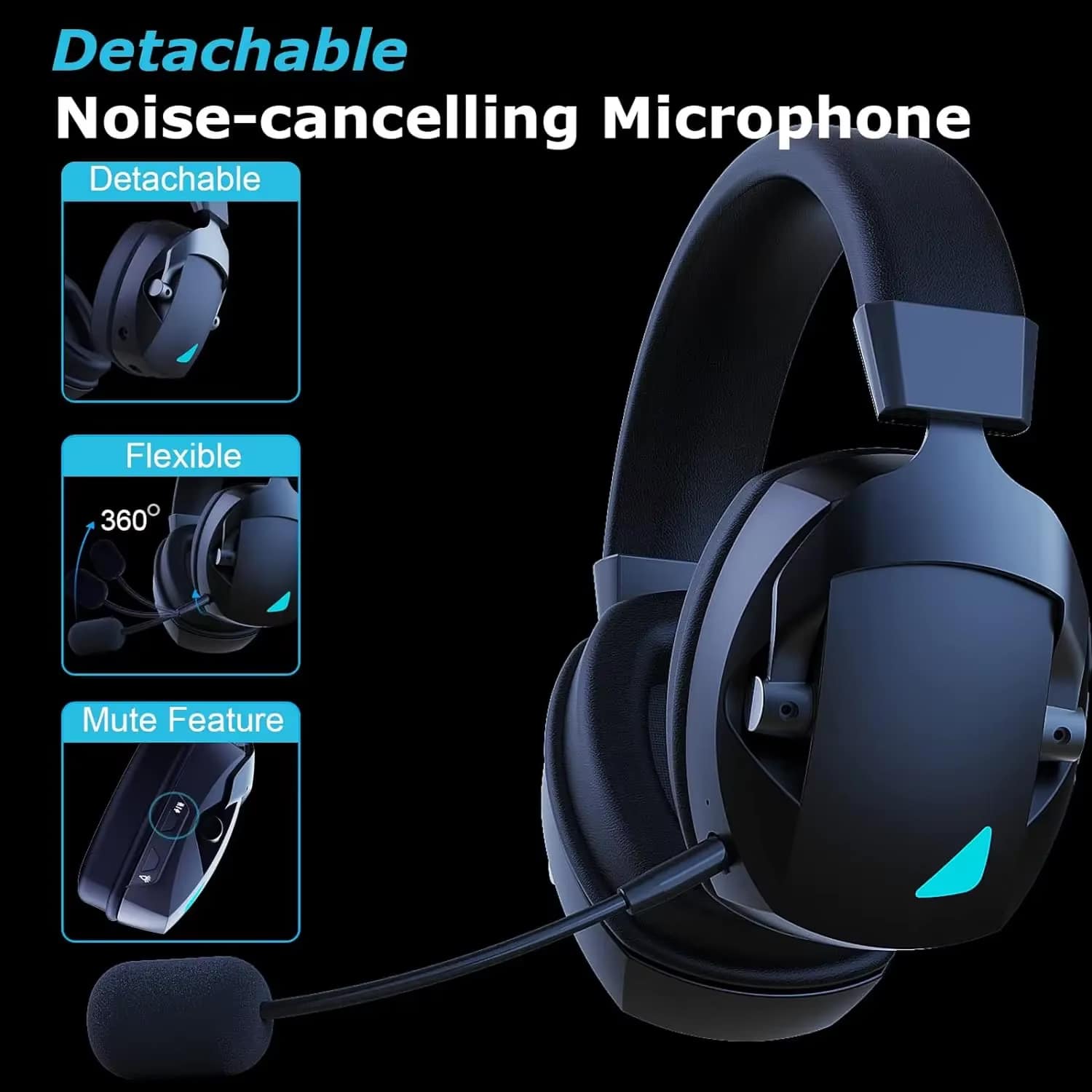
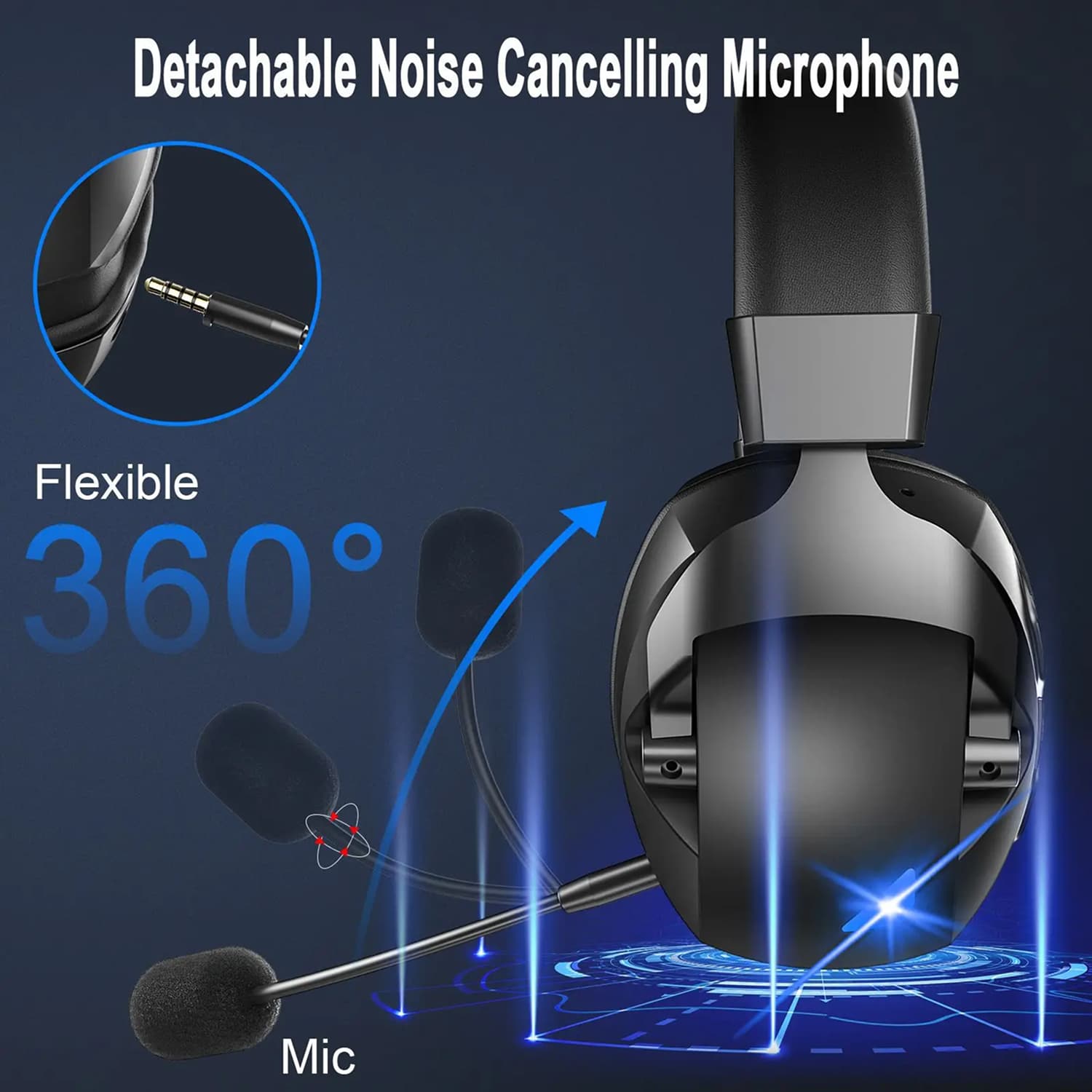
Equipped with a detachable noise-canceling microphone, EarsRimi Gaming Headphones eliminate background noise to keep your tactical commands crisp and distinct during intense multiplayer matches.
Worried About Uncomfortable Long Gaming Sessions?
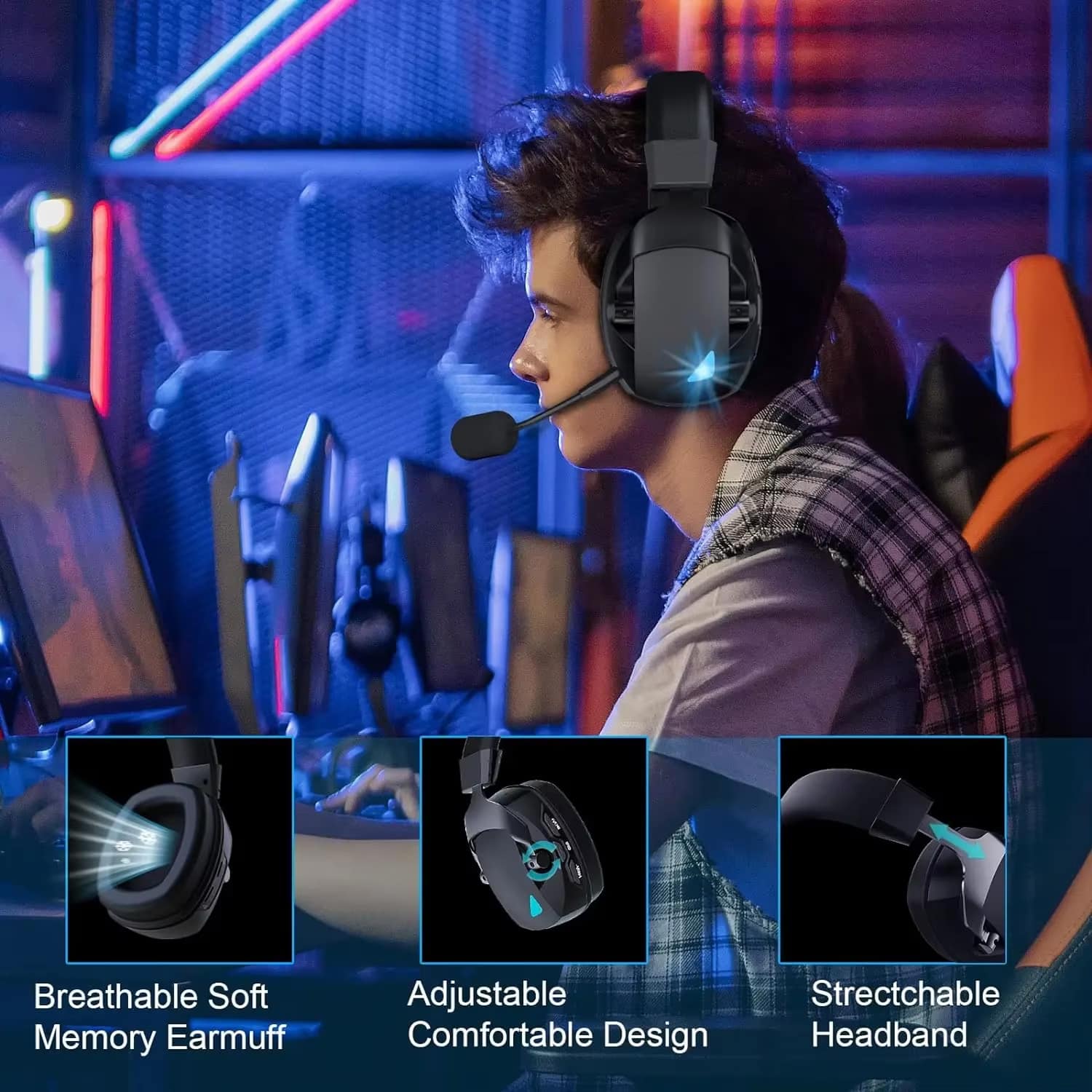
With breathable protein leather ear pads and an ergonomic headband, EarsRimi Gaming Headphones deliver cloud-like comfort that prevents ear fatigue during all-day gaming marathons.
Over 50,000 Competitive Gamers Loving EarsRimi Gaming Headphones
4.6 rating based on total orders
Unleash Seamless Multi Platform Wireless Freedom And Exceptional Sound Everyday
Effortlessly switch between high-speed 2.4GHz wireless, Bluetooth, and wired modes. Enjoy versatile compatibility across consoles, computers, and mobile devices with rapid USB-C fast charging convenience.
Triple Mode Connectivity For Universal Compatibility
The balanced acoustic tuning, exceptional low-latency wireless performance, and lightweight ergonomic build deliver premium gaming immersion that outperforms most competitors in this category reliably.
Why Elite Streamers And Competitive Gamers Rely On EarsRimi Gaming Headphones
EarsRimi FEATURES ALL YOU EXPECT:
TRIPLE CONNECTION VERSATILITY
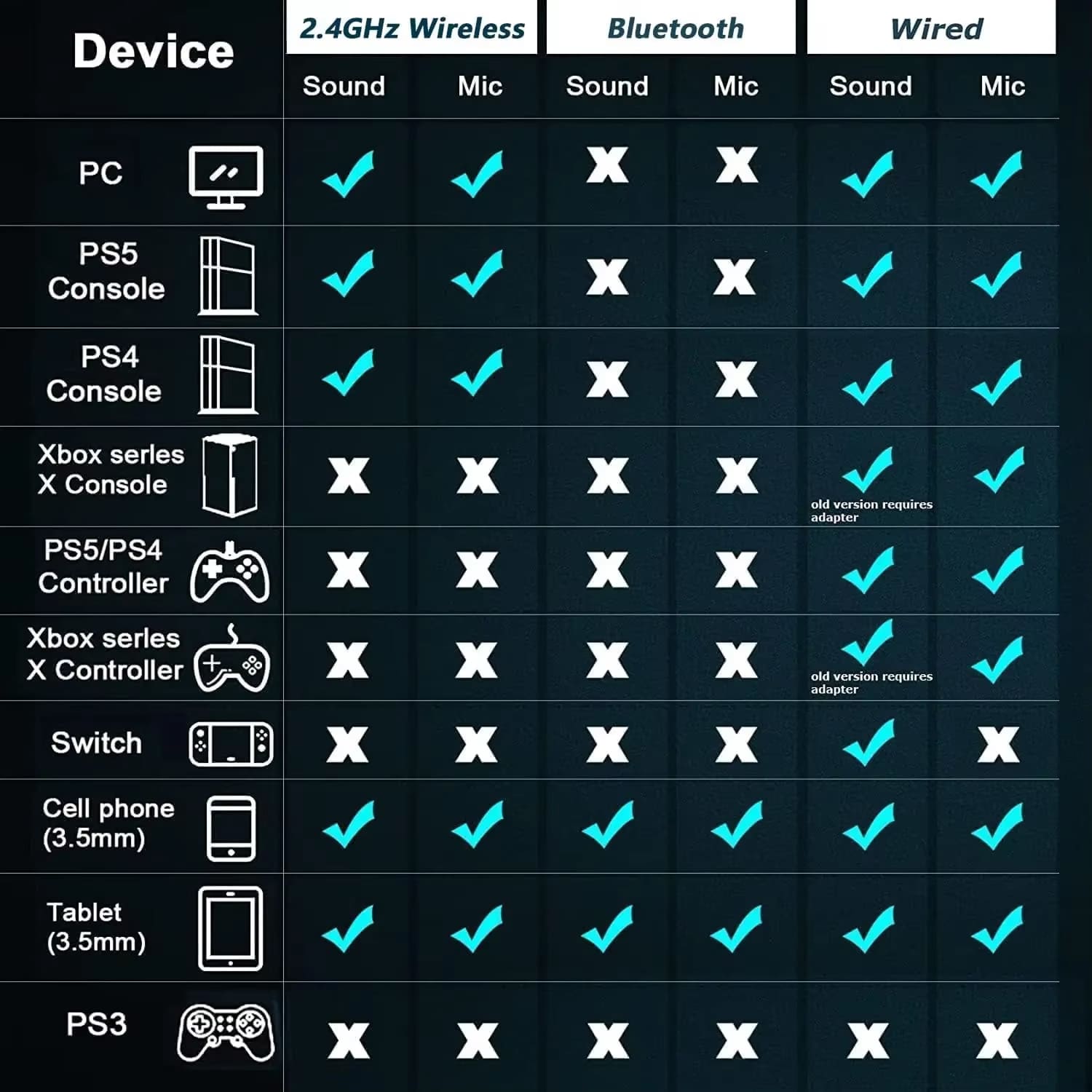
Connect seamlessly across PC, PlayStation, and mobile using 2.4G wireless, Bluetooth, or standard wired auxiliary cables.
ACTIVE NOISE ISOLATION
Advanced noise cancellation blocks distractions, keeping you fully immersed in your high-stakes gameplay.
BREATHABLE COMFORT EARPADS
Memory foam cushioned ear cushions stay cool and pressure-free during lengthy competitive sessions.
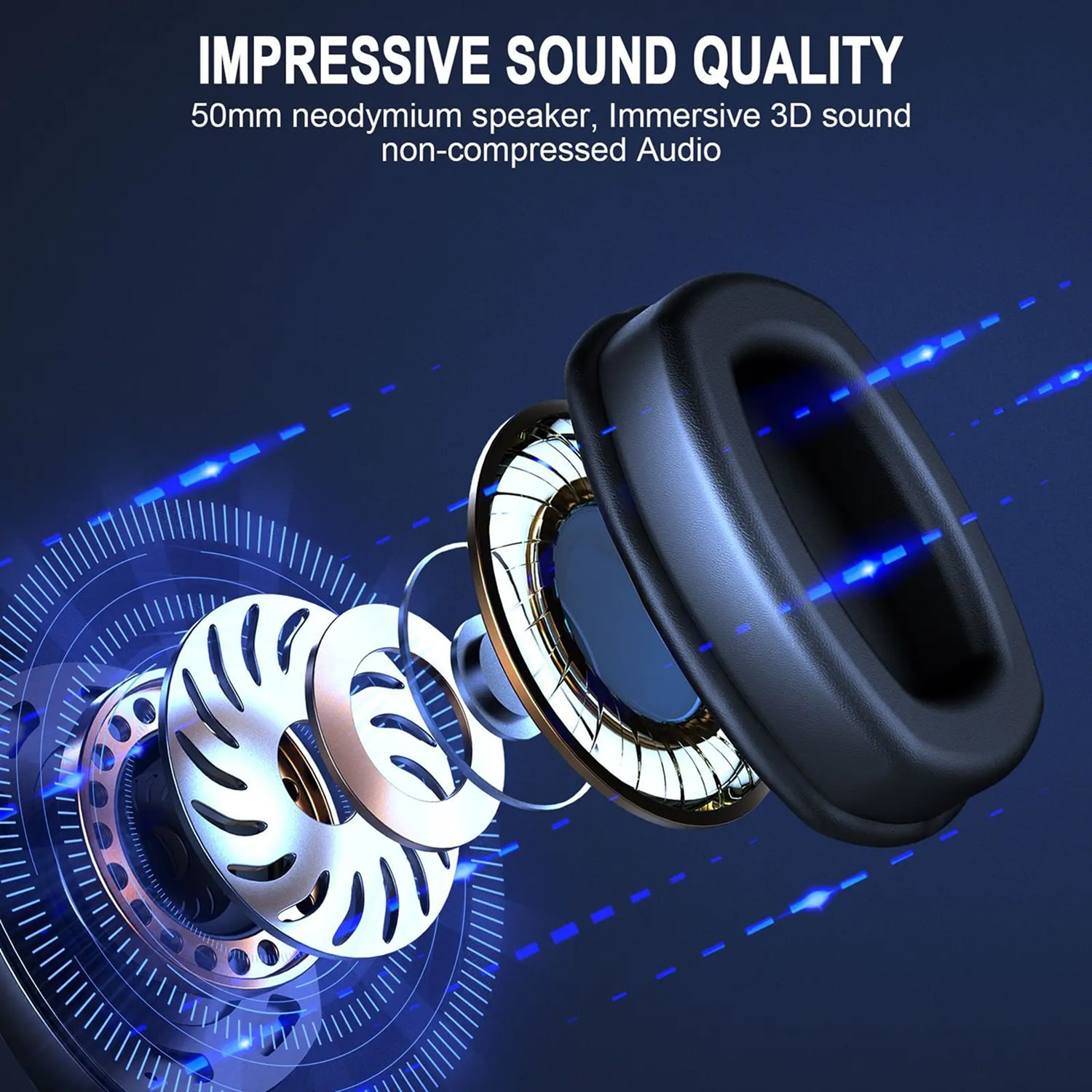
POWERFUL 50MM DRIVERS
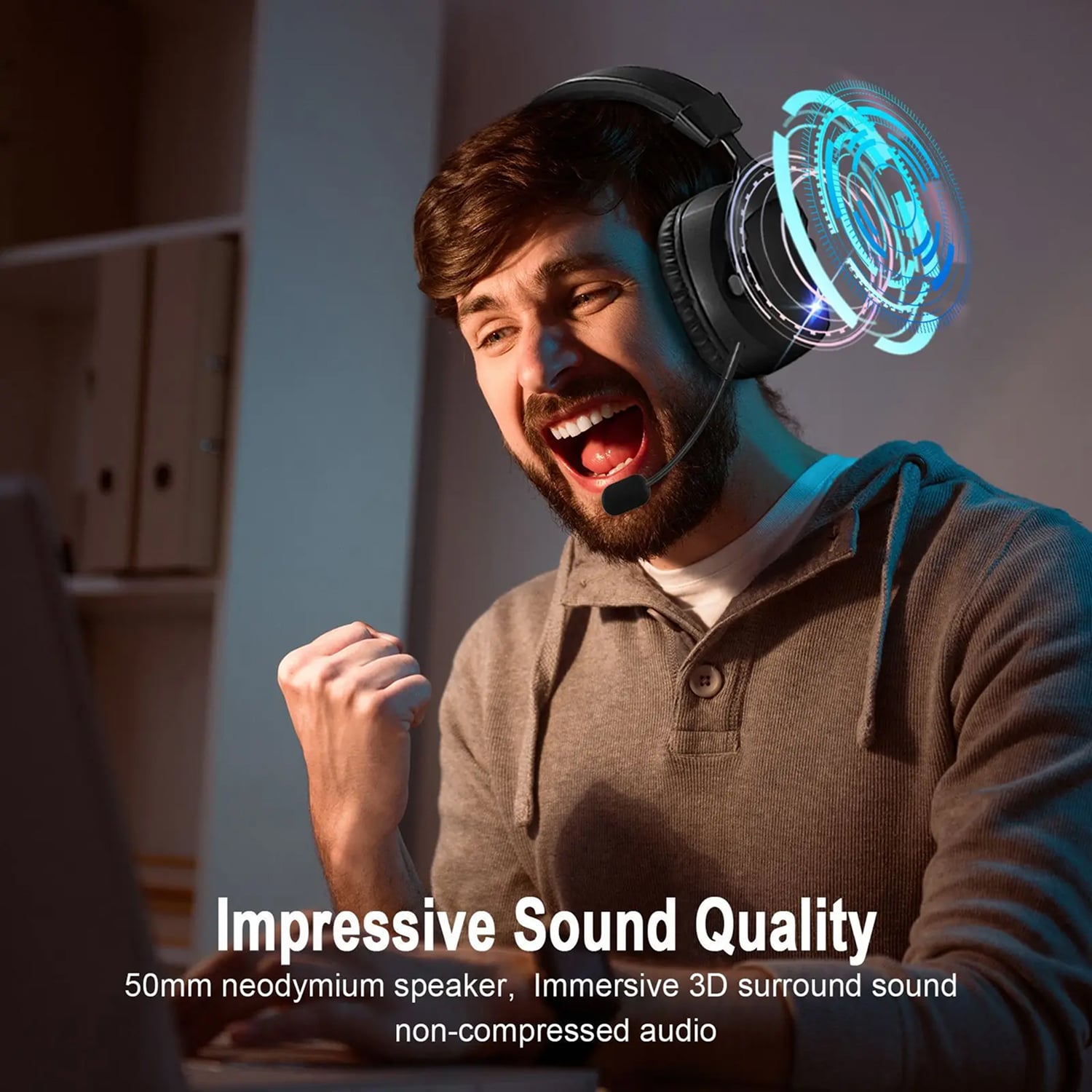
Dual-chamber dynamic drivers deliver rich bass and crystal-clear directional highs for complete spatial awareness.
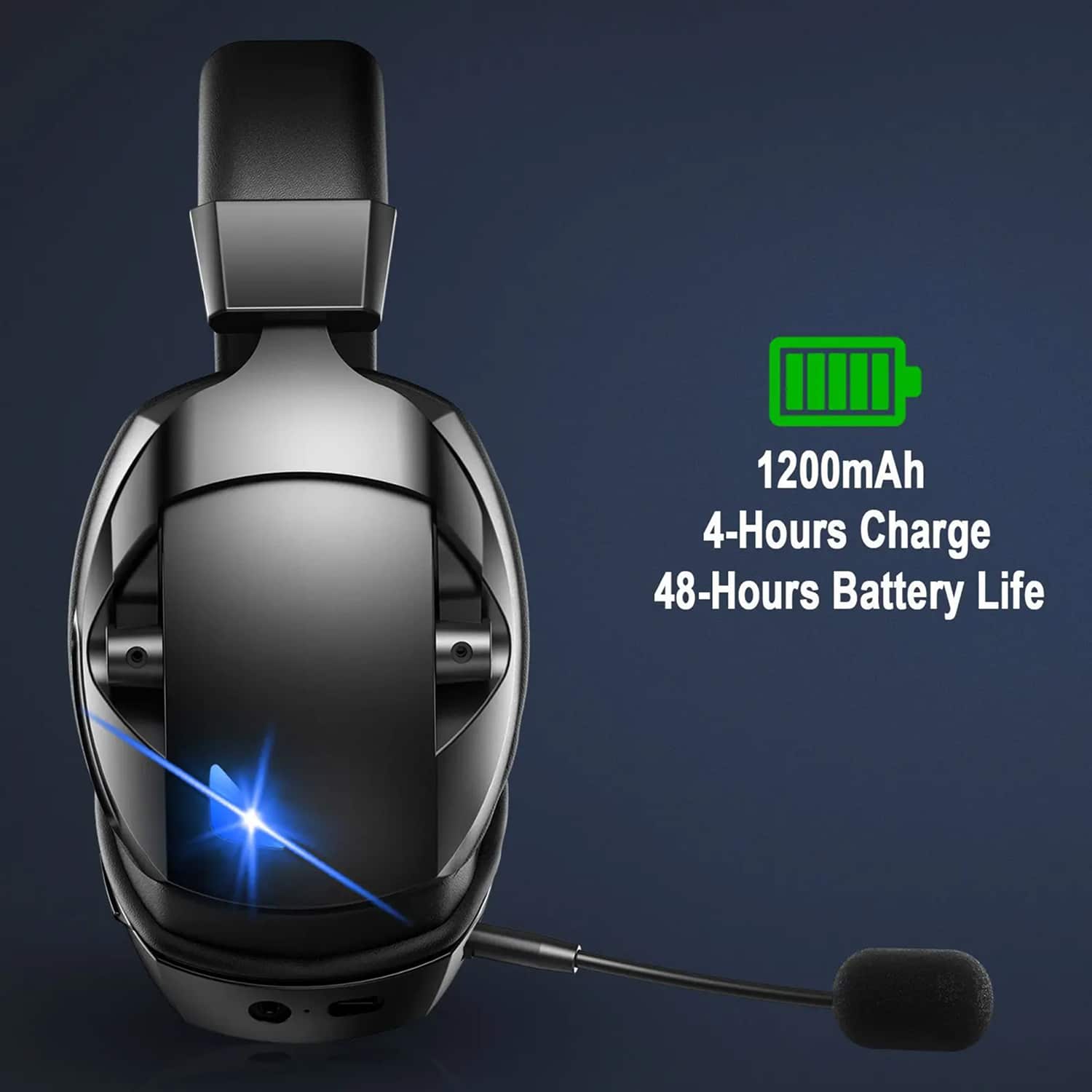
ALL DAY BATTERY
Enjoy up to 36 hours of continuous playtime on a single fast USB-C charge.
PLUG AND PLAY
Start playing instantly without complex software setups or driver installations required on supported hardware.
IMAGE GALLERY
What’s Included in Your EarsRimi?
EarsRimi Gaming Headphones
2.4G USB Wireless Transmitter
3.5mm Audio Connection Cable
USB-C Charging Cable
24/7 Customer Support
We understand the value of your time. That’s why our team is trained to respond promptly and efficiently, ensuring your queries and issues are addressed without unnecessary delays.
MEET THE EarsRimi
Frequently Asked Questions
−How do I connect the headset to my PC using 2.4GHz wireless?
Insert the included 2.4GHz USB dongle into your PC, power on the headset, and select BL100 PRO as your default audio output device in system settings.
+Is this headset compatible with PlayStation 4 and PlayStation 5?
Yes, plug the 2.4GHz USB wireless dongle directly into your console for instant, low-latency audio and microphone functionality without needing extra software drivers.
+How do I mute and unmute the microphone quickly?
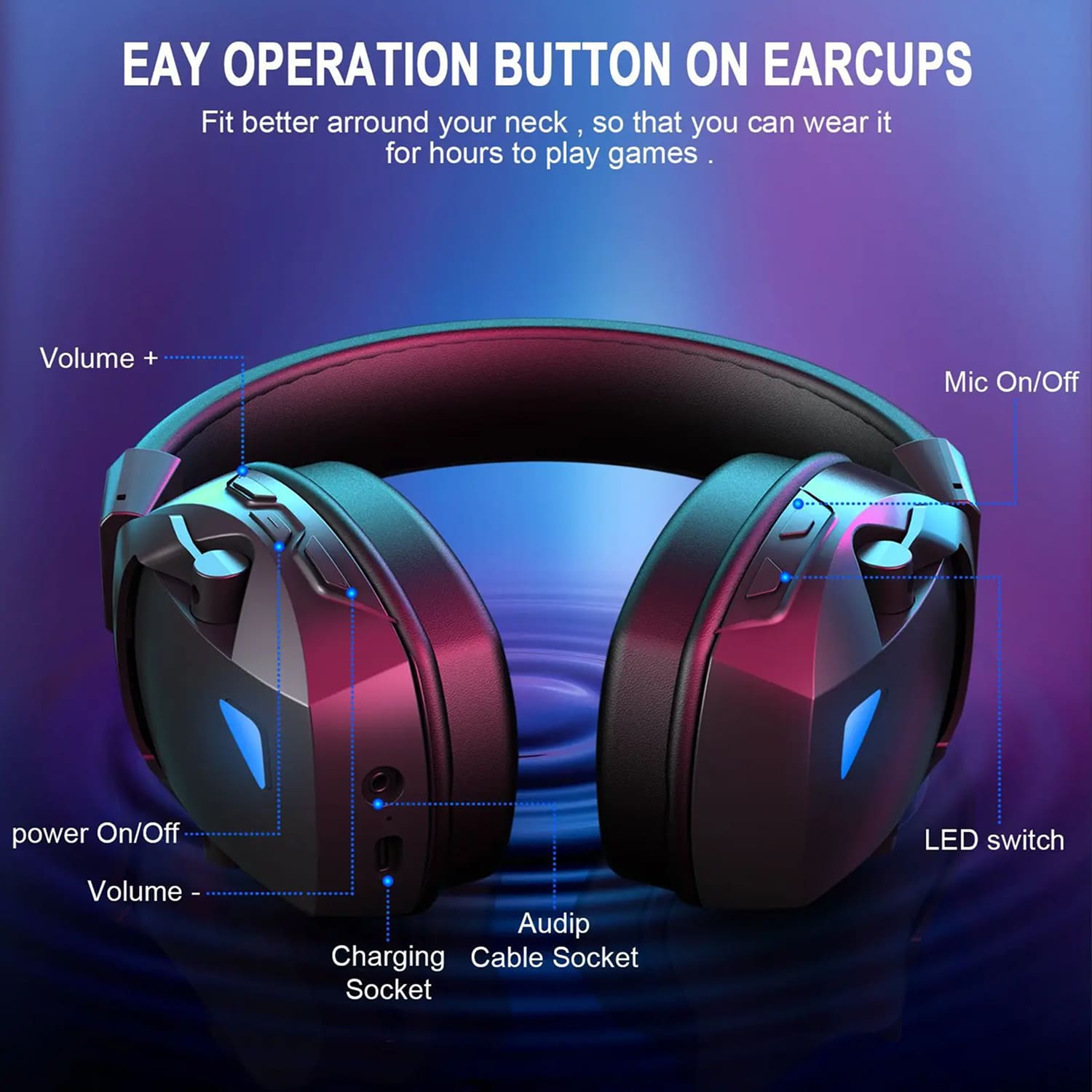
Use the dedicated one-key mute button located directly above the light button on the earcup to instantly toggle your microphone on or off.
+Can I use Bluetooth to connect to my gaming console?
Consoles do not natively support direct Bluetooth audio; please use the included 2.4GHz USB wireless transmitter or 3.5mm wired cable for console connections.
+How long does the battery last on a full charge?
The internal rechargeable battery delivers up to 36 hours of continuous wireless usage, recharging quickly via the included modern USB-C charging cable.
+Where do I plug in the detachable microphone properly?
Insert the microphone strictly into the designated port labeled MIC. Avoid plugging it into the 3.5mm audio jack to ensure proper voice capture.
+Can I use this headset while it is charging?
Yes, you can easily continue using the headset with the 3.5mm audio cable or wireless mode while recharging via the USB-C cable.
+How do I clean and maintain the protein leather ear cushions?
Gently wipe the ear cushions with a soft, slightly damp microfiber cloth. Avoid harsh chemicals or submerging them in water to preserve durability.
TOP #1 FAVORITE Gaming Headphones
Trusted By Thousands Of Satisfied Customers
David Miller
The 3D surround sound in EarsRimi Gaming Headphones is phenomenal for competitive shooters. I can pinpoint enemy footsteps easily, and the wireless battery life lasts through all weekend.
VERIFIED BUYER
Sarah Jenkins
Super comfortable headset with zero audio lag. The microphone sounds crisp on Discord, and switching between my PC and phone via Bluetooth is completely effortless.
VERIFIED BUYER
Ethan Brooks
EarsRimi Gaming Headphones are lightweight, durable, and deliver punchy bass. The memory foam ear pads stay cool during hours of streaming without causing any uncomfortable pressure.